
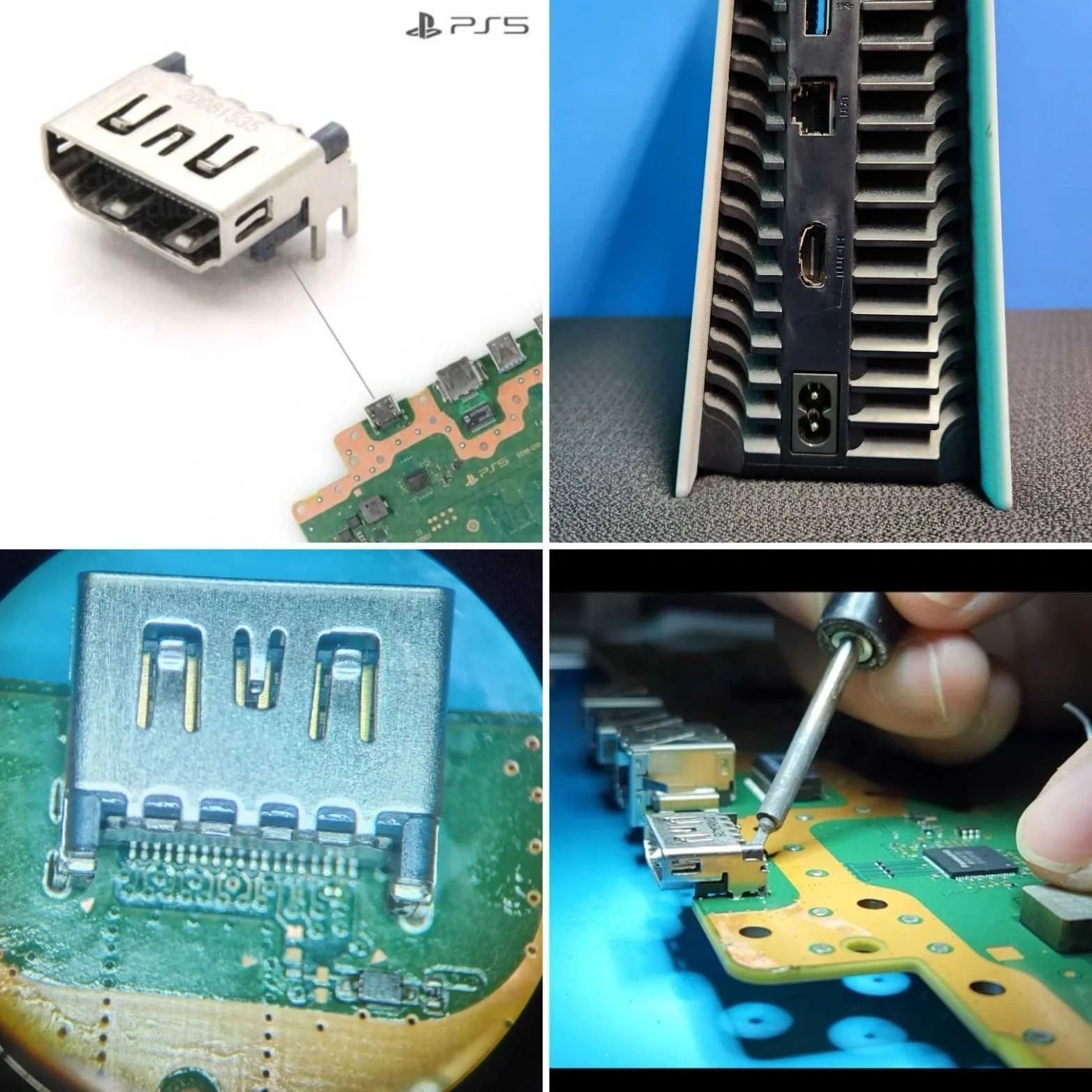
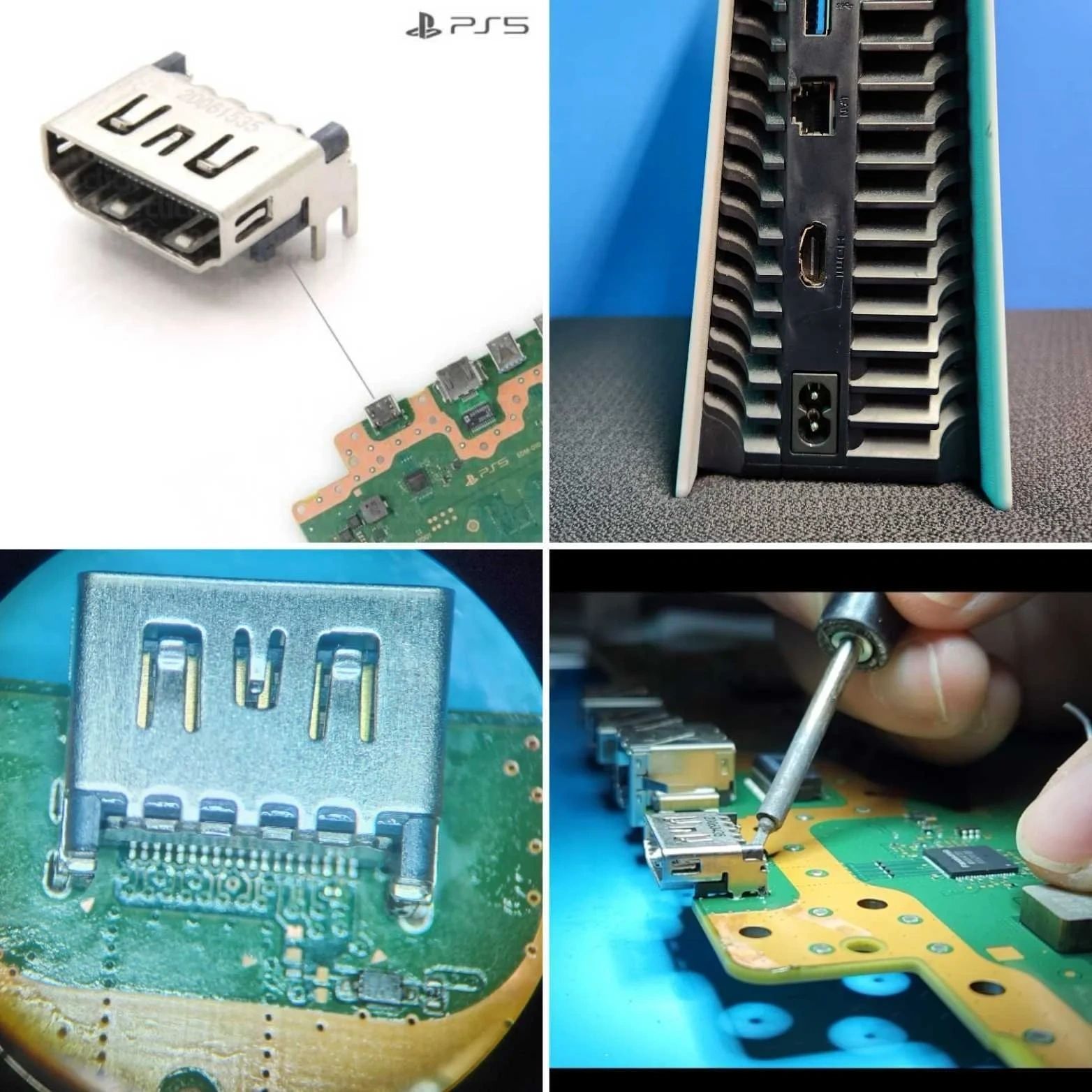
HDMI Port Repair (No Signal to TV)


One of the most common PS5 problems is a damaged HDMI port. This usually happens when the cable is forced in at an angle or the console is dropped while plugged in.
Signs you need HDMI repair:
- TV says “No Signal”
- Flickering screen
- Bent or missing HDMI pins
- Loose connection
Our technicians carefully remove the damaged port and solder a brand-new one directly onto the motherboard using precision equipment.
👉 Pro tip: Never wiggle the HDMI cable if the image cuts out — this can make the damage worse.
Motherboard Repair (Advanced Console Recovery)


The motherboard is the heart of your PS5. When it fails, many repair shops recommend replacement—but advanced micro-soldering can often bring it back to life.
Common motherboard issues:
- Console won’t power on
- Blue light of death
- Liquid damage
- Short circuits
- HDMI chip failure
We diagnose the board at the component level, which often saves customers hundreds of dollars versus buying a new console.
Fan Repairs & Professional Internal Cleaning
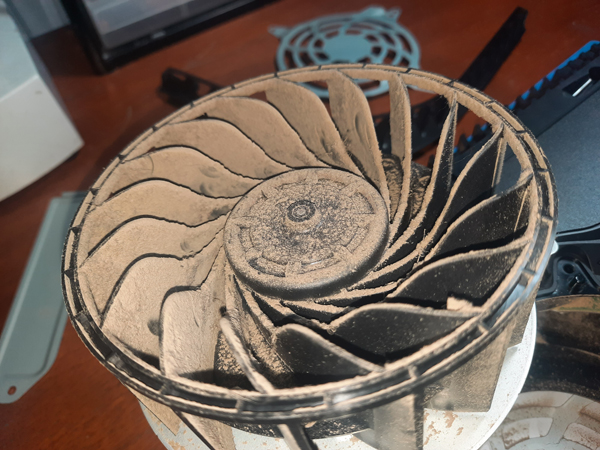

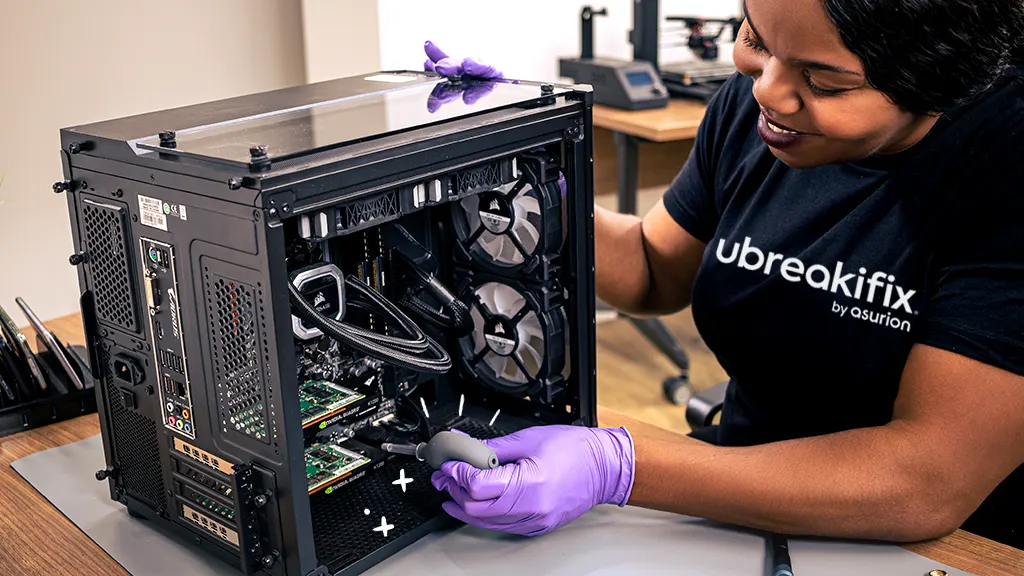
Dust is the silent killer of gaming consoles. Over time, buildup blocks airflow and causes overheating.
Warning signs:
- Loud fan noise
- Console feels very hot
- Random shutdowns
- Performance drops
Our deep-clean service removes internal dust, refreshes thermal components, and restores proper airflow — helping extend the life of your PS5.
👉 Many overheating consoles just need a professional cleaning — not a replacement.
Power Supply Repair (PS5 Not Turning On)
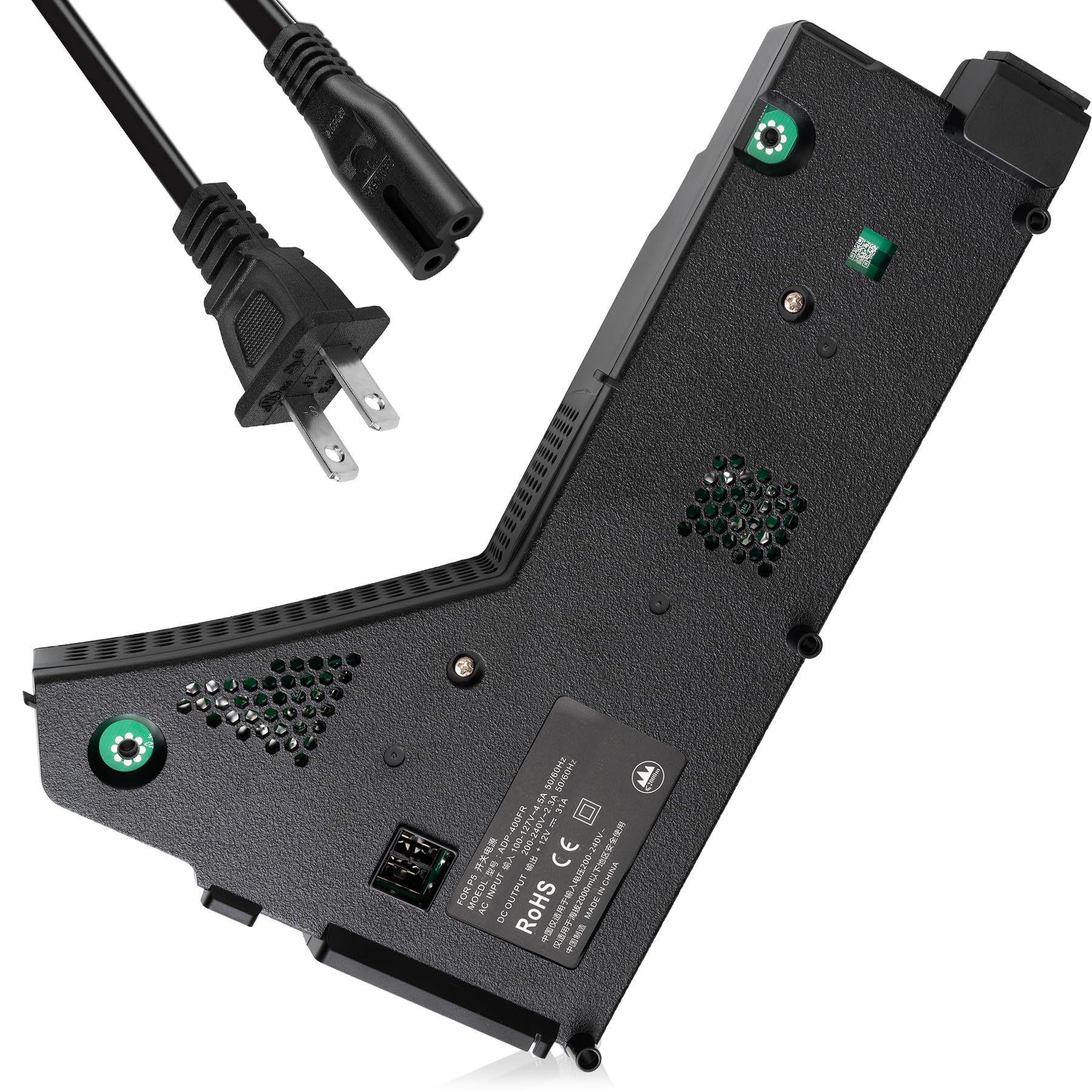

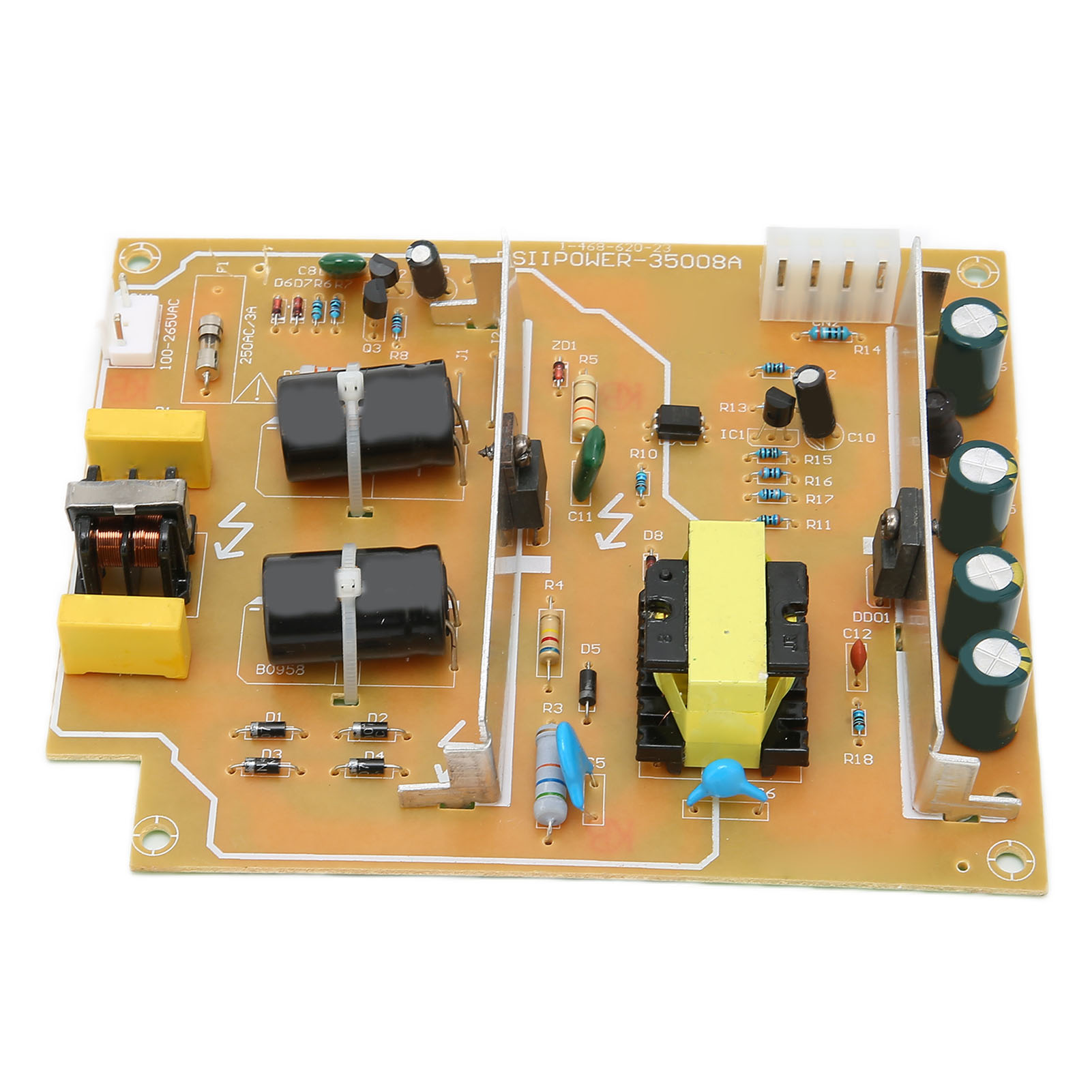
If your PS5 suddenly stopped turning on, the power supply may have failed — often after a surge or electrical issue.
Symptoms include:
- No lights at all
- Console shuts off instantly
- Burning smell
- System died after a storm
We test the unit, replace faulty components if possible, and install high-quality replacement power supplies when necessary.
Why Gamers Trust Kaos Computing
✅ Fast turnaround times ✅ Experienced technicians ✅ Advanced micro-soldering ✅ Transparent diagnostics ✅ Hundreds of satisfied customers
We understand how important your console is — and we treat every repair like it’s our own system on the bench.
When Should You Repair Instead of Replace?
Repair is usually the smarter choice when:
- The console is out of warranty
- Damage is limited to one component
- Your system contains saved data
- Replacement consoles are expensive
Most PS5 repairs cost far less than buying a new system.
Get Back to Gaming Fast
If your PlayStation 5 is acting up, don’t wait for the problem to get worse. Early diagnosis often prevents more expensive damage.
Contact Kaos Computing today for professional PS5 repair and expert diagnostics.
📞 Call or text: 718-697-1812