
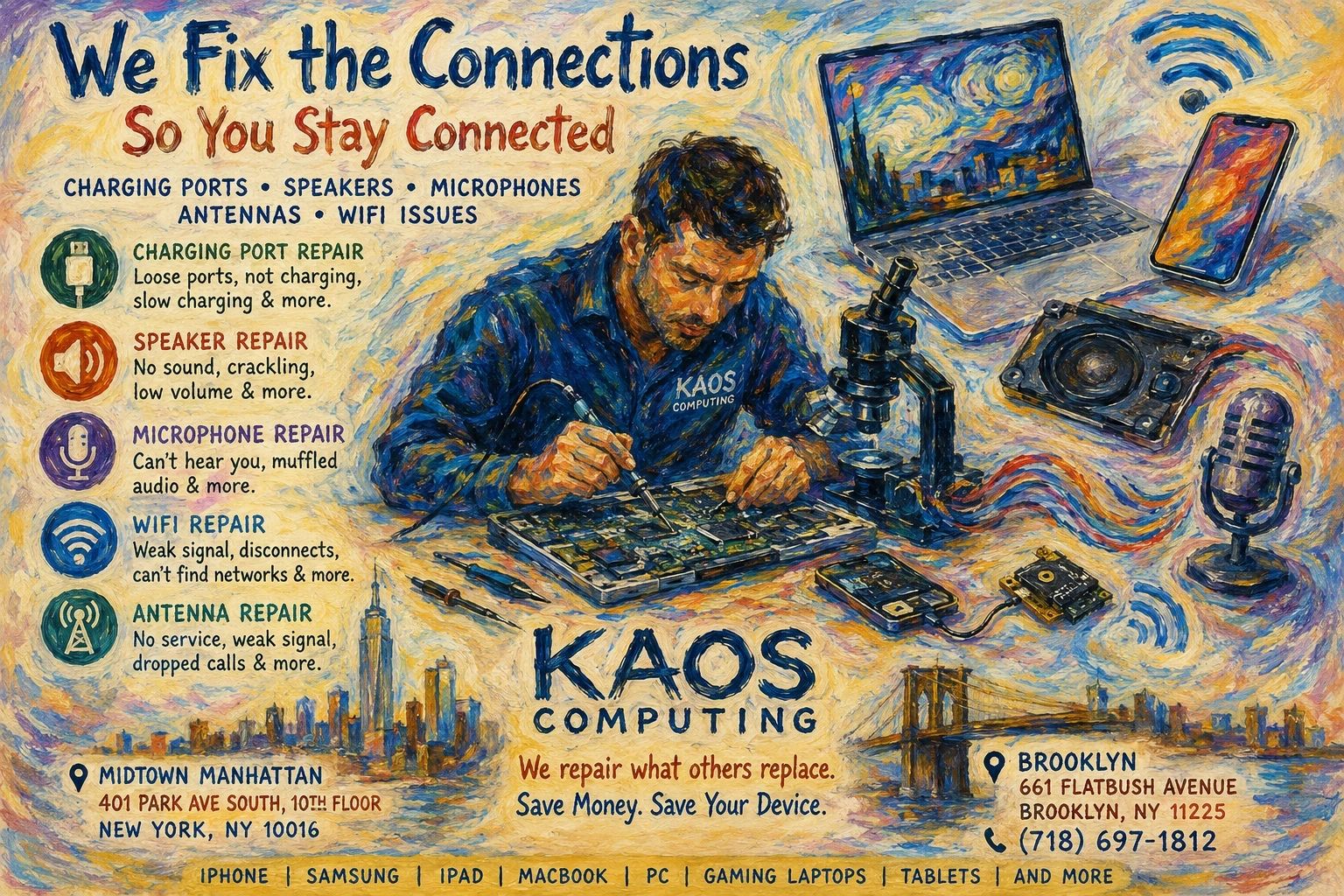
Charging Port, Speaker, Microphone, Antenna & Wi-Fi Repair in NYC: Don’t Replace Your Device Until You Read This
If your iPhone won’t charge, your MacBook has no sound, your Samsung microphone isn’t working, or your laptop keeps disconnecting from Wi-Fi, don’t assume you need a new device. Many of these problems can be repaired quickly and affordably by an experienced technician.
At Kaos Computing, we specialize in charging port repair, speaker replacement, microphone repair, antenna repair, and Wi-Fi troubleshooting for Apple, Samsung, gaming laptops, PCs, tablets, and more. We perform everything from simple part replacements to advanced micro-soldering motherboard repairs, saving customers hundreds of dollars compared to replacing their devices.
Common Charging Port Problems
One of the most common repairs we perform is charging port repair.
Signs your charging port may be failing:
- Device only charges when cable is held at an angle
- Charging is extremely slow
- Charger falls out easily
- Device doesn’t recognize charger
- “Accessory Not Supported” message
- Battery percentage decreases while plugged in
- Charging stops and starts repeatedly
Many people assume they need a new battery when the real issue is a damaged charging port.
Our technicians repair charging ports on:
- iPhone
- Samsung Galaxy
- Google Pixel
- iPad
- MacBook USB-C ports
- Windows laptops
- Gaming laptops
- Nintendo Switch
- Steam Deck
- Tablets
Why Charging Ports Fail
Charging ports experience thousands of insertions during their lifetime.
Common causes include:
- Pocket lint and debris
- Liquid damage
- Corrosion
- Bent connector pins
- Cheap charging cables
- Physical impact
- Cable being yanked while plugged in
- Wear from daily use
Sometimes a professional cleaning is enough. Other times the port itself must be replaced or repaired at the motherboard level.
Speaker Problems
If your speakers sound distorted or stop working entirely, the issue may not actually be the speaker.
Symptoms include:
- Crackling sound
- Low volume
- No audio
- One speaker louder than the other
- Buzzing noise
- Distorted music
- Speaker cuts in and out
Possible causes:
- Liquid damage
- Dust buildup
- Torn speaker diaphragm
- Motherboard audio circuit failure
- Damaged audio amplifier
- Corrosion
We diagnose the actual problem before replacing unnecessary parts.
Microphone Issues
Can people barely hear you during calls?
Your microphone may be damaged.
Common symptoms include:
- People can’t hear you
- Voice sounds muffled
- Siri or Google Assistant doesn’t hear commands
- Videos record without sound
- Voice memos don’t work
- Zoom or Teams microphone fails
Many microphone problems are caused by:
- Dirt blocking microphone openings
- Liquid exposure
- Failed microphone flex cable
- Motherboard audio IC damage
- Charging port assembly failure (many phones integrate the microphone into the charging port assembly)
Wi-Fi Problems
Weak Wi-Fi isn’t always your router.
We repair devices with:
- Constant Wi-Fi disconnects
- Weak wireless signal
- Slow download speeds
- Cannot detect networks
- Wi-Fi greyed out
- Bluetooth also failing
- Random connection drops
Possible causes include:
- Broken antenna cable
- Loose antenna connector
- Damaged Wi-Fi card
- Motherboard failure
- Liquid damage
- Corrosion
- Driver issues
- Failed wireless module
Cellular & Antenna Problems
If your phone constantly loses signal, the problem may be the internal antenna.
Symptoms include:
- No service
- Weak signal
- Dropped calls
- Poor reception indoors
- Cellular constantly searching
- GPS problems
- Bluetooth range issues
We repair:
- Cellular antennas
- Wi-Fi antennas
- Bluetooth antennas
- GPS antennas
- NFC components
MacBook USB-C Port Repair
Modern MacBooks rely heavily on USB-C ports.
Common problems include:
- Doesn’t charge
- External monitor not detected
- USB accessories disconnect
- Flash drives not recognized
- Power cycling
- Burn marks inside the port
In many cases we can replace the individual USB-C port instead of replacing the entire logic board.
Gaming Laptop Port Repair
Gaming laptops often experience heavy wear.
We repair:
- USB ports
- HDMI ports
- Ethernet ports
- Charging jacks
- Audio jacks
- USB-C ports
Brands include:
- ASUS ROG
- MSI
- Alienware
- Lenovo Legion
- Acer Predator
- HP Omen
Why Professional Diagnosis Matters
Many repair shops replace parts without confirming the root cause.
At Kaos Computing, every repair begins with a thorough diagnostic process. Sometimes the issue is as simple as debris inside a charging port. Other times it involves corrosion, a damaged flex cable, or a failed motherboard component requiring precision micro-soldering. Our goal is to identify the true source of the problem so you only pay for the repair you actually need.
Why Choose Kaos Computing?
For more than a decade, Kaos Computing has helped New Yorkers extend the life of their devices through reliable, component-level repairs.
We offer:
- Charging port repair
- Speaker replacement
- Microphone repair
- Wi-Fi repair
- Antenna repair
- Motherboard repair
- Liquid damage recovery
- Data recovery
- MacBook repair
- PC repair
- Gaming laptop repair
- iPhone repair
- Samsung repair
- Tablet repair
- Same-day service available on many repairs
- Pickup service available throughout Brooklyn and Manhattan
Our technicians use professional tools and advanced repair techniques to restore devices whenever possible, helping customers avoid unnecessary replacements.
Visit Kaos Computing
Whether your device won’t charge, has no sound, drops Wi-Fi, or suffers from microphone or antenna issues, our experienced technicians can diagnose the problem and recommend the most cost-effective solution.
Kaos Computing – Midtown Manhattan 401 Park Ave South, 10th Floor New York, NY 10016
Kaos Computing – Brooklyn 661 Flatbush Avenue Brooklyn, NY 11225
Phone: (718) 697-1812
Website: https://kaos-computing.com
S
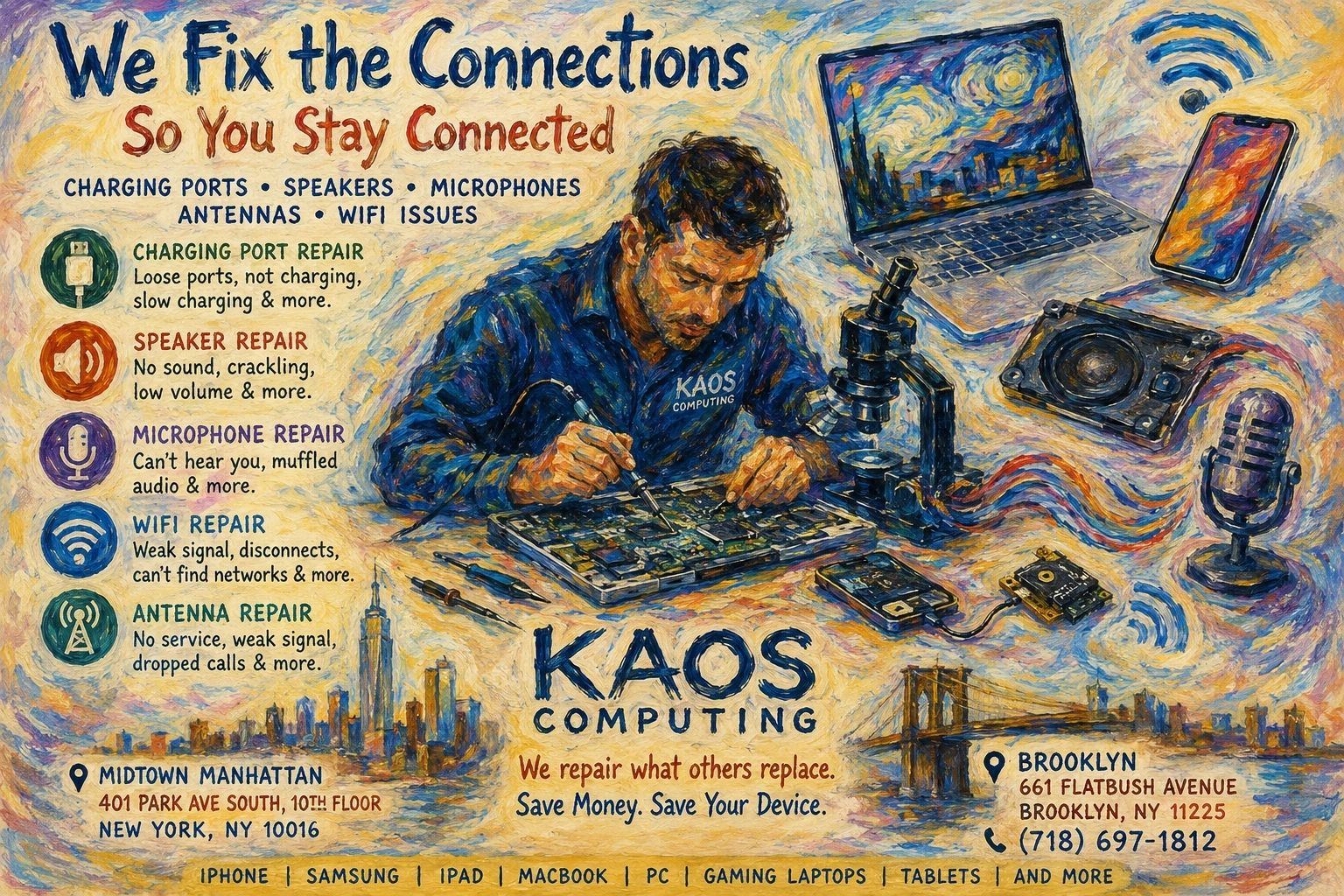
Charging Port, Speaker, Microphone, Antenna & Wi-Fi Repair in NYC: Don’t Replace Your Device Until You Read This
If your iPhone won’t charge, your MacBook has no sound, your Samsung microphone isn’t working, or your laptop keeps disconnecting from Wi-Fi, don’t assume you need a new device. Many of these problems can be repaired quickly and affordably by an experienced technician.
At Kaos Computing, we specialize in charging port repair, speaker replacement, microphone repair, antenna repair, and Wi-Fi troubleshooting for Apple, Samsung, gaming laptops, PCs, tablets, and more. We perform everything from simple part replacements to advanced micro-soldering motherboard repairs, saving customers hundreds of dollars compared to replacing their devices.
Common Charging Port Problems
One of the most common repairs we perform is charging port repair.
Signs your charging port may be failing:
- Device only charges when cable is held at an angle
- Charging is extremely slow
- Charger falls out easily
- Device doesn’t recognize charger
- “Accessory Not Supported” message
- Battery percentage decreases while plugged in
- Charging stops and starts repeatedly
Many people assume they need a new battery when the real issue is a damaged charging port.
Our technicians repair charging ports on:
- iPhone
- Samsung Galaxy
- Google Pixel
- iPad
- MacBook USB-C ports
- Windows laptops
- Gaming laptops
- Nintendo Switch
- Steam Deck
- Tablets
Why Charging Ports Fail
Charging ports experience thousands of insertions during their lifetime.
Common causes include:
- Pocket lint and debris
- Liquid damage
- Corrosion
- Bent connector pins
- Cheap charging cables
- Physical impact
- Cable being yanked while plugged in
- Wear from daily use
Sometimes a professional cleaning is enough. Other times the port itself must be replaced or repaired at the motherboard level.
Speaker Problems
If your speakers sound distorted or stop working entirely, the issue may not actually be the speaker.
Symptoms include:
- Crackling sound
- Low volume
- No audio
- One speaker louder than the other
- Buzzing noise
- Distorted music
- Speaker cuts in and out
Possible causes:
- Liquid damage
- Dust buildup
- Torn speaker diaphragm
- Motherboard audio circuit failure
- Damaged audio amplifier
- Corrosion
We diagnose the actual problem before replacing unnecessary parts.
Microphone Issues
Can people barely hear you during calls?
Your microphone may be damaged.
Common symptoms include:
- People can’t hear you
- Voice sounds muffled
- Siri or Google Assistant doesn’t hear commands
- Videos record without sound
- Voice memos don’t work
- Zoom or Teams microphone fails
Many microphone problems are caused by:
- Dirt blocking microphone openings
- Liquid exposure
- Failed microphone flex cable
- Motherboard audio IC damage
- Charging port assembly failure (many phones integrate the microphone into the charging port assembly)
Wi-Fi Problems
Weak Wi-Fi isn’t always your router.
We repair devices with:
- Constant Wi-Fi disconnects
- Weak wireless signal
- Slow download speeds
- Cannot detect networks
- Wi-Fi greyed out
- Bluetooth also failing
- Random connection drops
Possible causes include:
- Broken antenna cable
- Loose antenna connector
- Damaged Wi-Fi card
- Motherboard failure
- Liquid damage
- Corrosion
- Driver issues
- Failed wireless module
Cellular & Antenna Problems
If your phone constantly loses signal, the problem may be the internal antenna.
Symptoms include:
- No service
- Weak signal
- Dropped calls
- Poor reception indoors
- Cellular constantly searching
- GPS problems
- Bluetooth range issues
We repair:
- Cellular antennas
- Wi-Fi antennas
- Bluetooth antennas
- GPS antennas
- NFC components
MacBook USB-C Port Repair
Modern MacBooks rely heavily on USB-C ports.
Common problems include:
- Doesn’t charge
- External monitor not detected
- USB accessories disconnect
- Flash drives not recognized
- Power cycling
- Burn marks inside the port
In many cases we can replace the individual USB-C port instead of replacing the entire logic board.
Gaming Laptop Port Repair
Gaming laptops often experience heavy wear.
We repair:
- USB ports
- HDMI ports
- Ethernet ports
- Charging jacks
- Audio jacks
- USB-C ports
Brands include:
- ASUS ROG
- MSI
- Alienware
- Lenovo Legion
- Acer Predator
- HP Omen
Why Professional Diagnosis Matters
Many repair shops replace parts without confirming the root cause.
At Kaos Computing, every repair begins with a thorough diagnostic process. Sometimes the issue is as simple as debris inside a charging port. Other times it involves corrosion, a damaged flex cable, or a failed motherboard component requiring precision micro-soldering. Our goal is to identify the true source of the problem so you only pay for the repair you actually need.
Why Choose Kaos Computing?
For more than a decade, Kaos Computing has helped New Yorkers extend the life of their devices through reliable, component-level repairs.
We offer:
- Charging port repair
- Speaker replacement
- Microphone repair
- Wi-Fi repair
- Antenna repair
- Motherboard repair
- Liquid damage recovery
- Data recovery
- MacBook repair
- PC repair
- Gaming laptop repair
- iPhone repair
- Samsung repair
- Tablet repair
- Same-day service available on many repairs
- Pickup service available throughout Brooklyn and Manhattan
Our technicians use professional tools and advanced repair techniques to restore devices whenever possible, helping customers avoid unnecessary replacements.
Visit Kaos Computing
Whether your device won’t charge, has no sound, drops Wi-Fi, or suffers from microphone or antenna issues, our experienced technicians can diagnose the problem and recommend the most cost-effective solution.
Kaos Computing – Midtown Manhattan 401 Park Ave South, 10th Floor New York, NY 10016
Kaos Computing – Brooklyn 661 Flatbush Avenue Brooklyn, NY 11225
Phone: (718) 697-1812
Website: https://kaos-computing.com